


Stern backups
Import the .SPB backup a Stern game writes to a USB stick. Pinventory saves the settings you changed, records a few audit readings, and keeps the file so you can restore the game later.
Find the Backups card
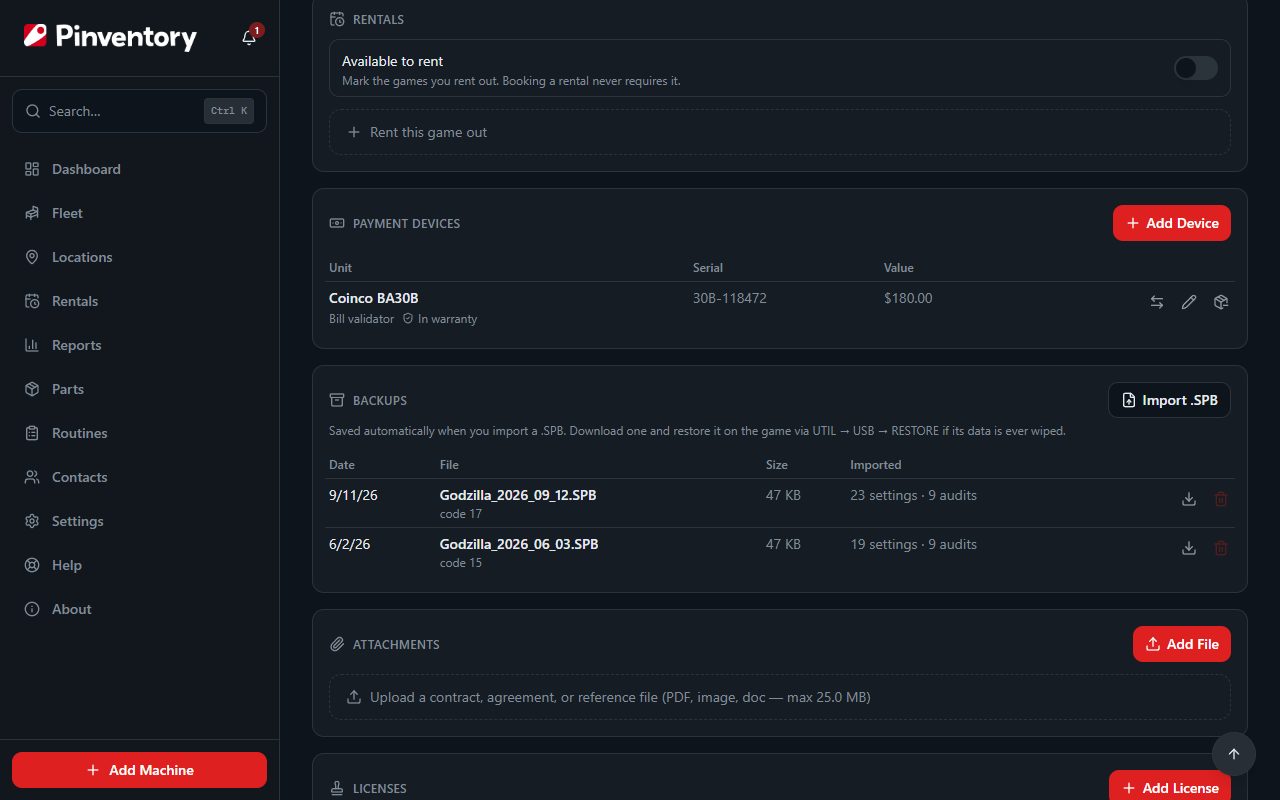
Open the machine and scroll the Details tab to Backups. The card appears on a machine linked to a Stern Pinball game in the catalog, because Pinventory reads the manufacturer from that link.
No card means the machine is not linked to a catalog game, or the game is not a Stern Pinball title. Older Stern Electronics games have no Backups card.
Save the backup on the game
Put a USB stick in the game and go to UTIL → USB → BKUP in the service menu. The game writes an .SPB file to the stick.
Keep the file name the game gives it. Pinventory takes the date of the reading from the date in the name, and uses today's date when the name has none.
Import the file
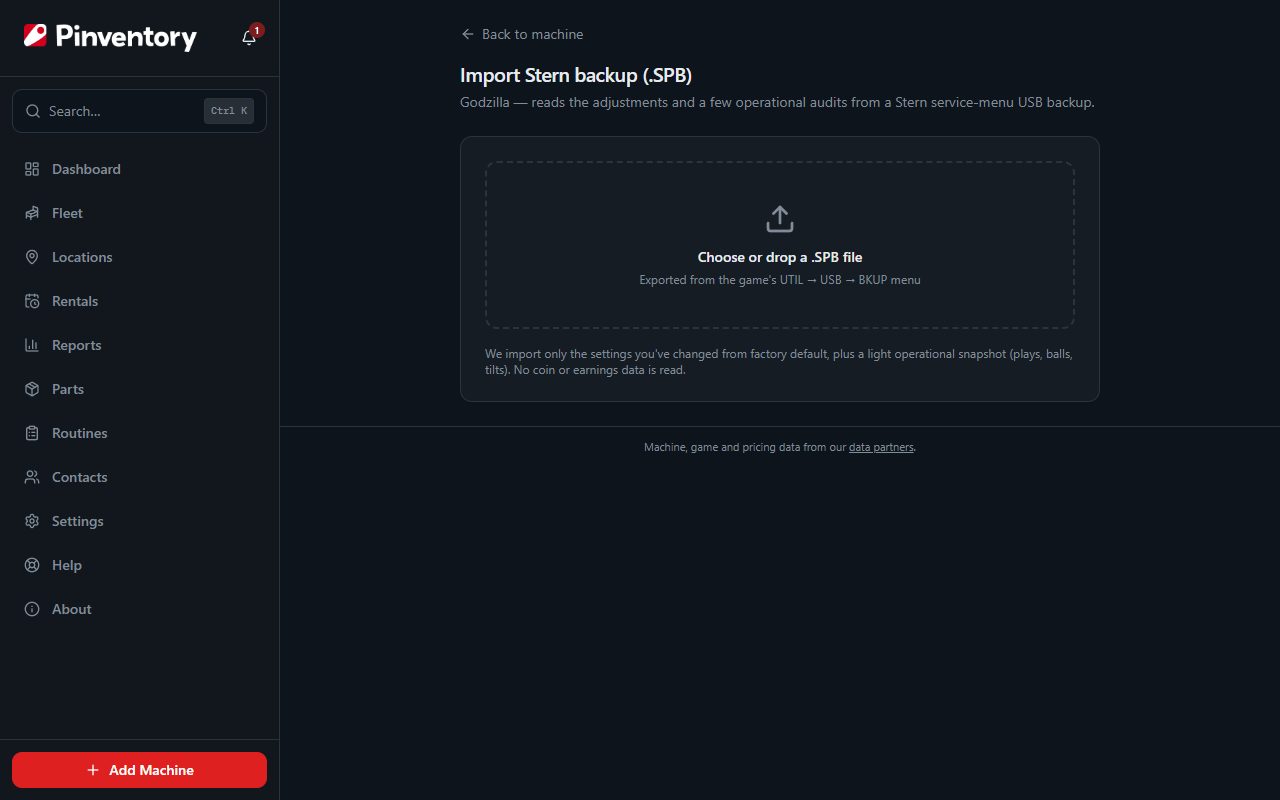
On the Backups card, press Import .SPB. Choose the file or drop it on the page, and Pinventory reads it before it saves anything. A file that is not a Stern .SPB is turned away.
It takes only the settings you changed from factory default, plus a light snapshot of plays, balls and tilts. It reads no coin or earnings data.
Check what Pinventory found, then import
The review screen starts with an integrity check. If it fails, the file may be corrupt, so export it from the game again before you import it.
Changed settings lists each adjustment that differs from factory default, with its value and its default. Below it, the operational snapshot shows the audit readings and the date they belong to.
Press Import to save it, or Choose a different file to start over. The settings land on the machine's Settings tab, the readings land on its Audits tab, and the file goes into the Backups card.
Importing the same file twice is safe. Pinventory skips an audit snapshot it already has for that date, and keeps one copy of each backup file per machine.
Restore a game from a backup
If a board swap or a reset wipes the game, press the download button beside a backup on the Backups card. Copy the file to a USB stick, then restore it on the game through UTIL → USB → RESTORE.
The delete button removes a backup file from the card for good. Settings and readings you already imported from it stay on the machine.
A sold game keeps its backups for download, but you can no longer import or delete them.
Good to know
- Import a fresh backup each time you change the game's adjustments, so the file you restore from matches how the game is set up.
- When a setting in your file is missing from the catalog for that title, Pinventory adds it, and the review screen tells you how many.