


Operator guide
Your time is worth more on your games than on your IT
Many operators run their route on free tools they set up themselves: a Google Form behind a QR code, a shared spreadsheet, and a group text with their techs. Each of those needs upkeep that takes time away from the games. Pinventory offers an existing solution to these tools, keeping operators at the games and running their business, not building bespoke technical solutions.
A Google Form behind a QR code
The usual setup is a Google Form for issue reports, with its link turned into a QR code and stuck on each machine. It has three problems that show up after it is running.
If the form has a photo upload question, Google requires every player to sign in with a Google account before they can submit. Most players will not sign in to report a broken flipper.
Google Forms only sends an email, and only to people who turned on response notifications, which is usually just whoever built the form. It cannot send a push notification to a phone. If those emails start going to spam, or that person leaves, reports still collect in the response sheet and nobody is told.
One form also cannot tell you which machine was scanned unless you make a separate pre-filled link for each game. QR problem reporting covers that in more detail.
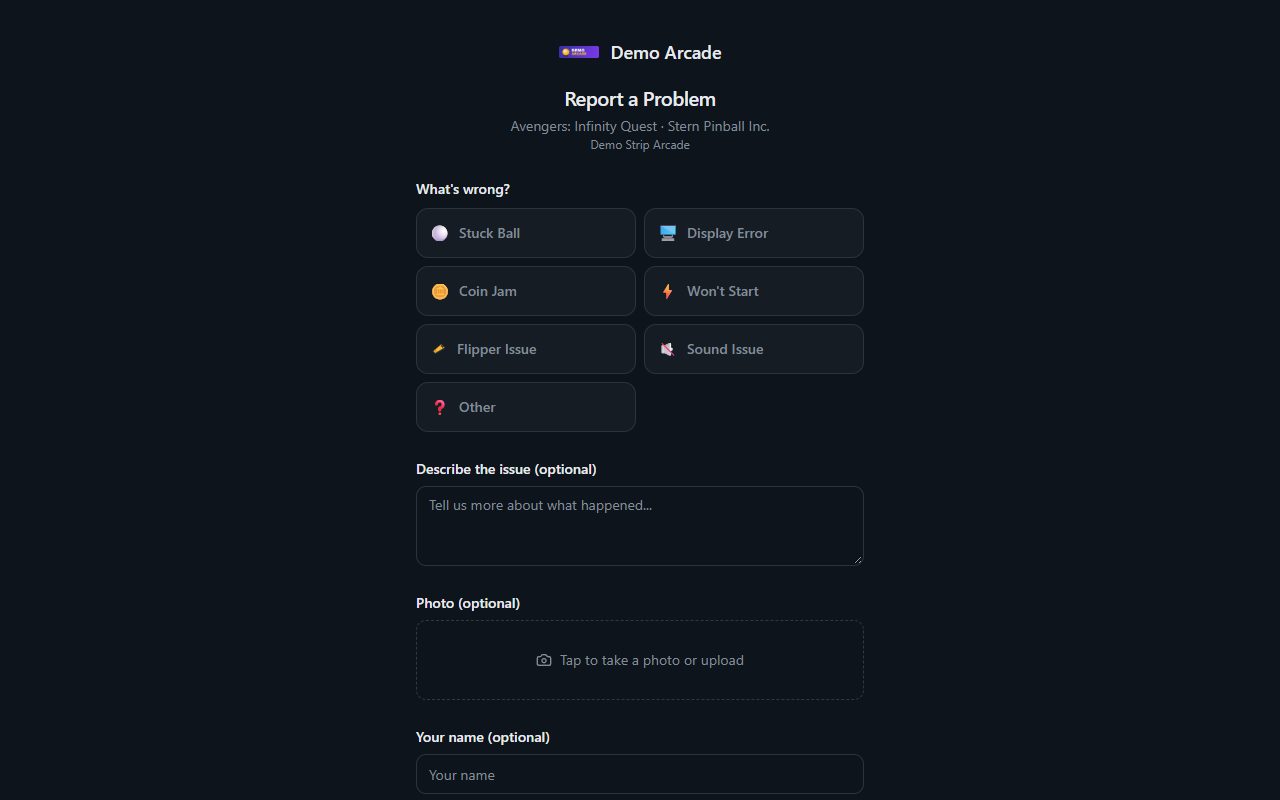
Pinventory gives every machine its own public QR code. A player scans it and gets a report form that needs no account and no app, and the photo is optional. Each report arrives on that machine with its location attached. By default, Pinventory sends a push notification and an email to every member of your team, and posts to Slack or Discord if you connected a channel.
A shared spreadsheet
A spreadsheet works until something in it breaks: a sort that only moved one column, a formula that does not cover new rows, or two people editing the same tab. Fixing it falls to whoever built the sheet.
In Pinventory there is no sheet to maintain. Machines, locations, collections and maintenance are records in the app, and the game catalog fills in the manufacturer and year when you add a machine. To move your existing sheet over, the spreadsheet guide shows the import step by step.
Adding and removing techs
With a homemade setup, a new tech needs the spreadsheet link, access to the form, and a place in the group text. When they leave, you have to remove them from each one separately.
In Pinventory, invite each person by email from Settings and give them a role. A technician can log maintenance and work the Issues tab but cannot see earnings, payouts or financial reports. You can also limit a team member to the locations they cover. To remove someone, remove them from the team in Settings. The maintenance and issues they logged keep their name.
Assigning the repair
In a group text, it is hard to tell who has taken a report and whether the repair got done. In Pinventory, open the issue and pick a team member under Assigned to. They get a push notification and an email that names the machine and the problem, and the issue shows on their dashboard until they resolve it and log the repair.
More
Why track your pinball business with software covers what it costs to run a route from memory, and the operator tour shows the rest of the app.