


Operator guide
Renting out pinball machines
Rent a game out without a system and the same two things go wrong. The game stays gone longer than the booking said, and you find out when the renter happens to mention it. The money for it ends up in a file you have to remember to open. Here is how Pinventory handles both.
Operators started renting games into homes in the spring of 2020 when their locations closed, and Pinball Map kept a list of who was doing it. Most of that trade went away once locations reopened. The operators who still rent games out have the same two problems they always had.
Get the game back on the day you agreed
Book a game out and Pinventory tells you the day it is due back, then every week for as long as it stays out. The reminder arrives by email and push, and an overdue game shows on your dashboard beside the machines needing attention. Turn those off under Notifications in Settings if you would rather chase them yourself.
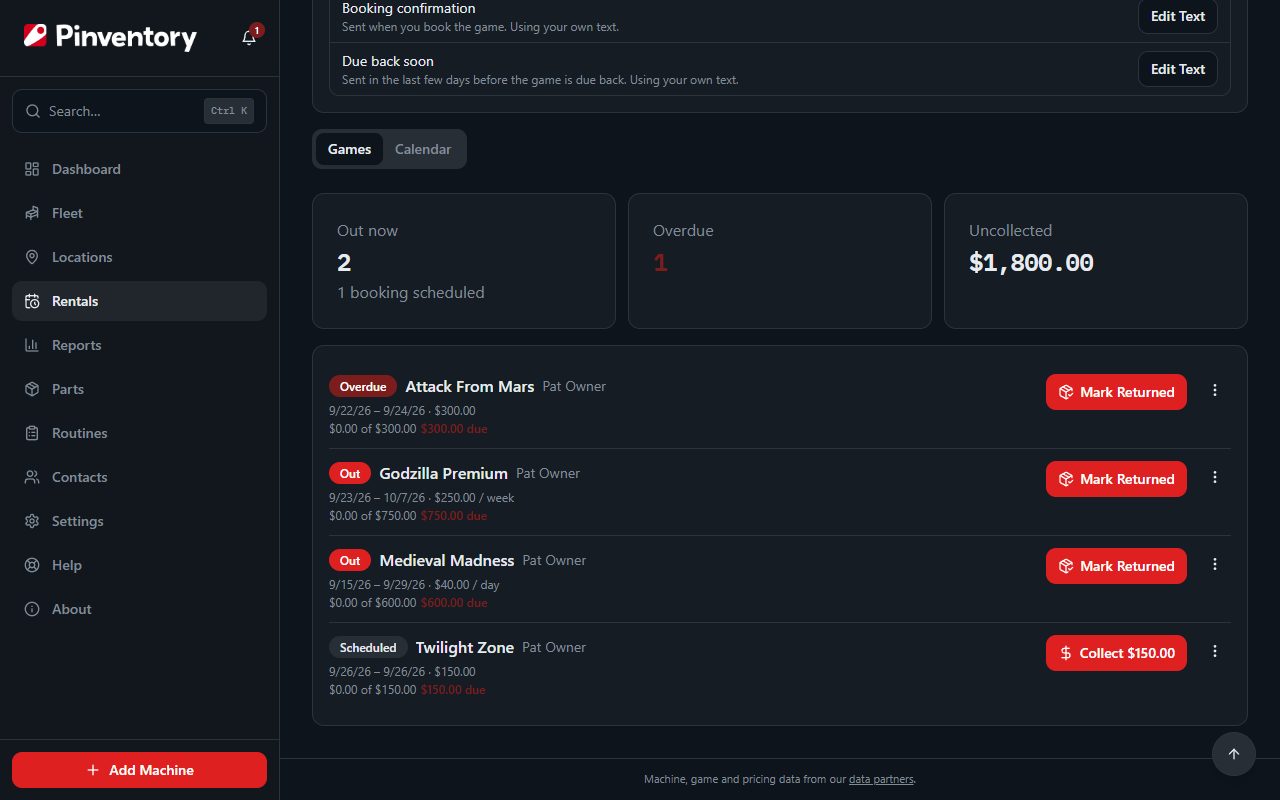
A booking reads as scheduled, out, overdue, returned or canceled, so every game you have loose in the world sits on one list.
Get the rental money into the same books as the route
Open the game's Details tab and choose Rent Out. Pick the renter from your contacts, set the dates, and choose a rate: flat, daily, weekly or monthly. Promise the same game to two people over the same days and the form tells you at once.
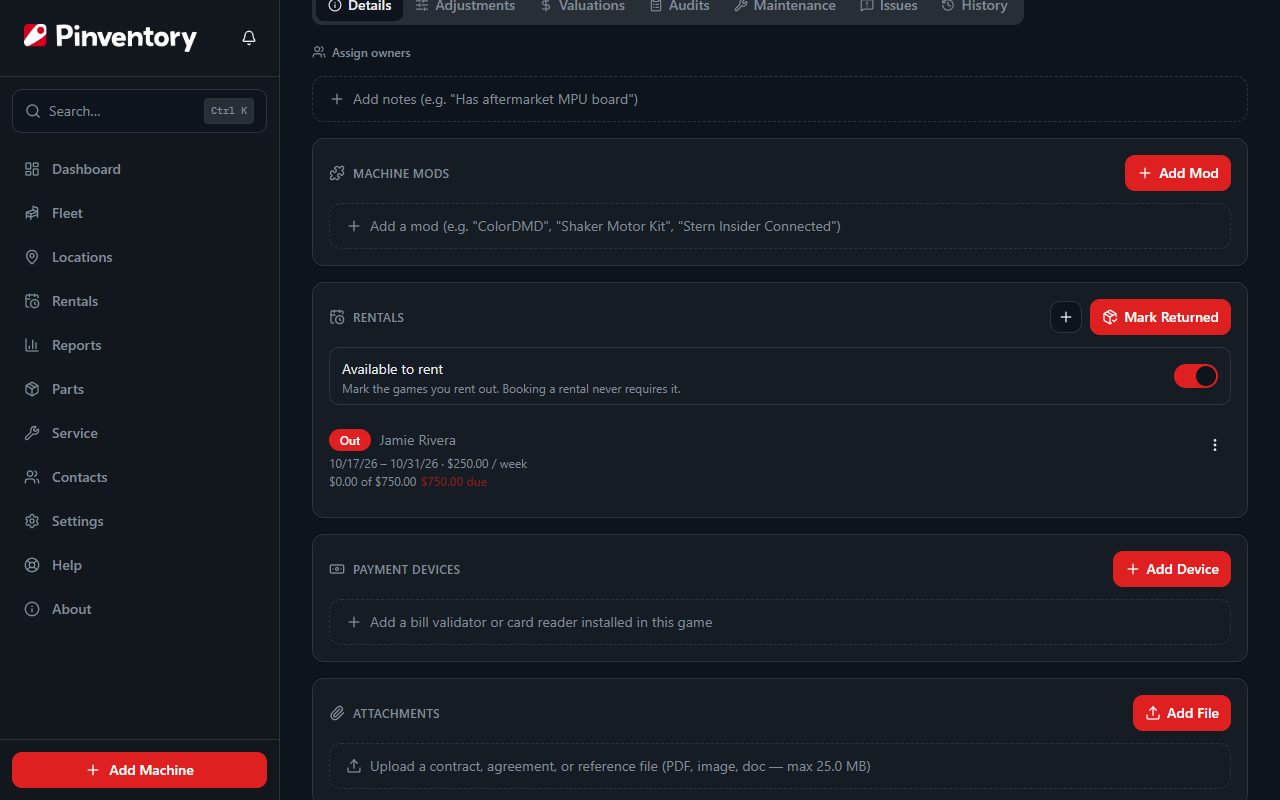
Pinventory counts each payment in the month it arrives, so a booking that runs across two months shows up in the months you were actually paid.
- Rental income shows in the same cash flow and profit numbers as your collections, door revenue and expenses, so the month is one figure.
- It carries through to QuickBooks or Xero as rental revenue if you push your books to either one.
- The renter's address doubles as the delivery address, so you enter it once however many times they rent from you.
Keep a rented game off your location list
Pinventory stops a game being on a location and out on rental at the same time. If the game is on a location, open it and use Take Off Floor on the Rentals card, which unassigns it in one step.
The game keeps its home location the whole time, so marking it returned puts it back with nothing to re-enter. This matters most if you push your lineup to Pinball Map, where a listing at the wrong location is a public edit with your name on it.
A game that is out also cannot be sold, listed for sale or deleted until it comes home.
Switch rentals on, and what Pro covers
Rentals stay hidden until you ask for them. Open Settings and switch on Rent games out. Only the account owner can change it, and it covers the whole business. Most operators never rent a game out, so their nav stays shorter.
Starting a booking is the part Pro pays for. Everything after it stays open: if your subscription lapses while a game is out, you can still see where it is, mark it returned, record what the renter pays you, and cancel a booking you no longer want. Your game can always come home, and money you are already owed is always yours to collect.
Related
The rentals walkthrough covers booking a game out and recording what the renter pays. The collections lifecycle follows the money on the rest of the route, and choosing route software covers which kinds of tool handle the money side at all. Or see how Pinventory works for operators.