

Sell a game
List a game, sell it or trade it, and keep its history after it goes.
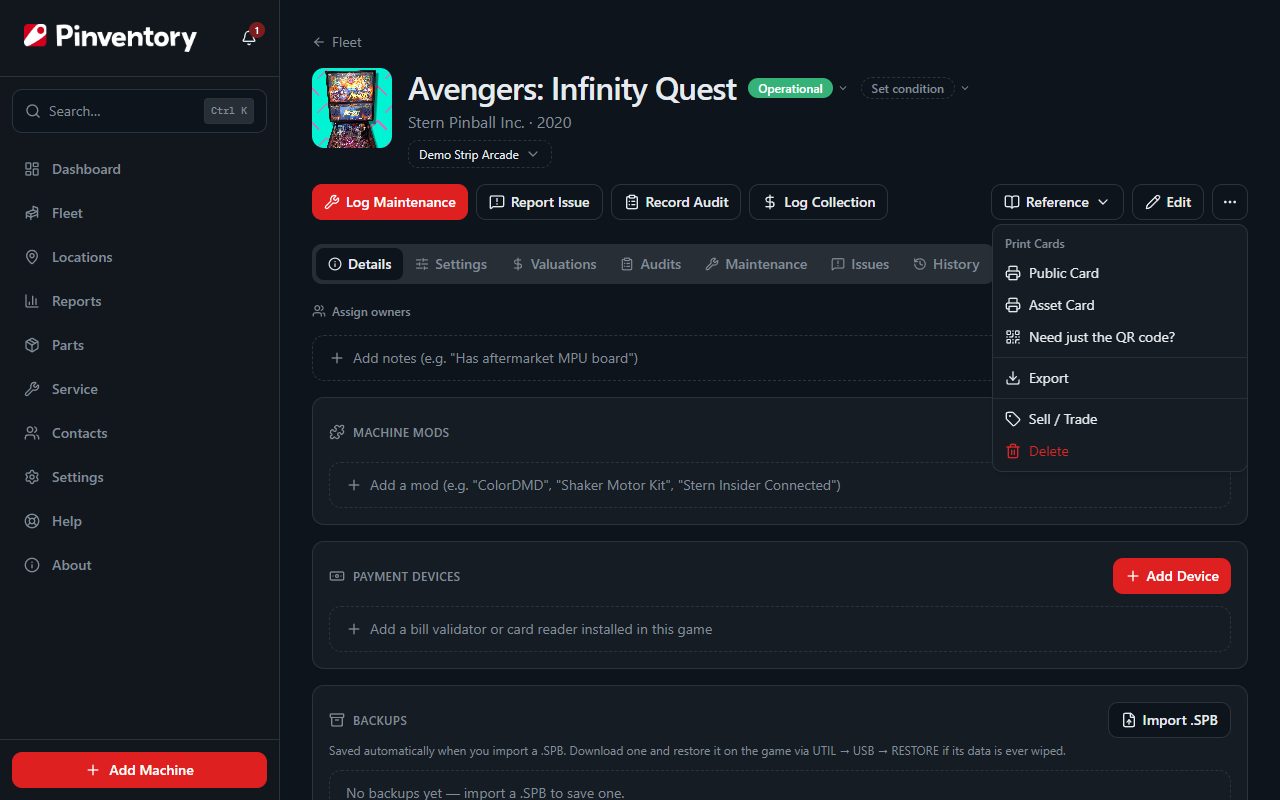
Open the machine and choose Sell / Trade
Go to the machine page, open the three-dot menu under its name, and choose Sell / Trade. Pinventory then asks what you mean: the game is already sold, you are trading it, or you want to list it for sale.
Only owners and managers see Sell / Trade. It goes away once the machine is sold.
List it for sale
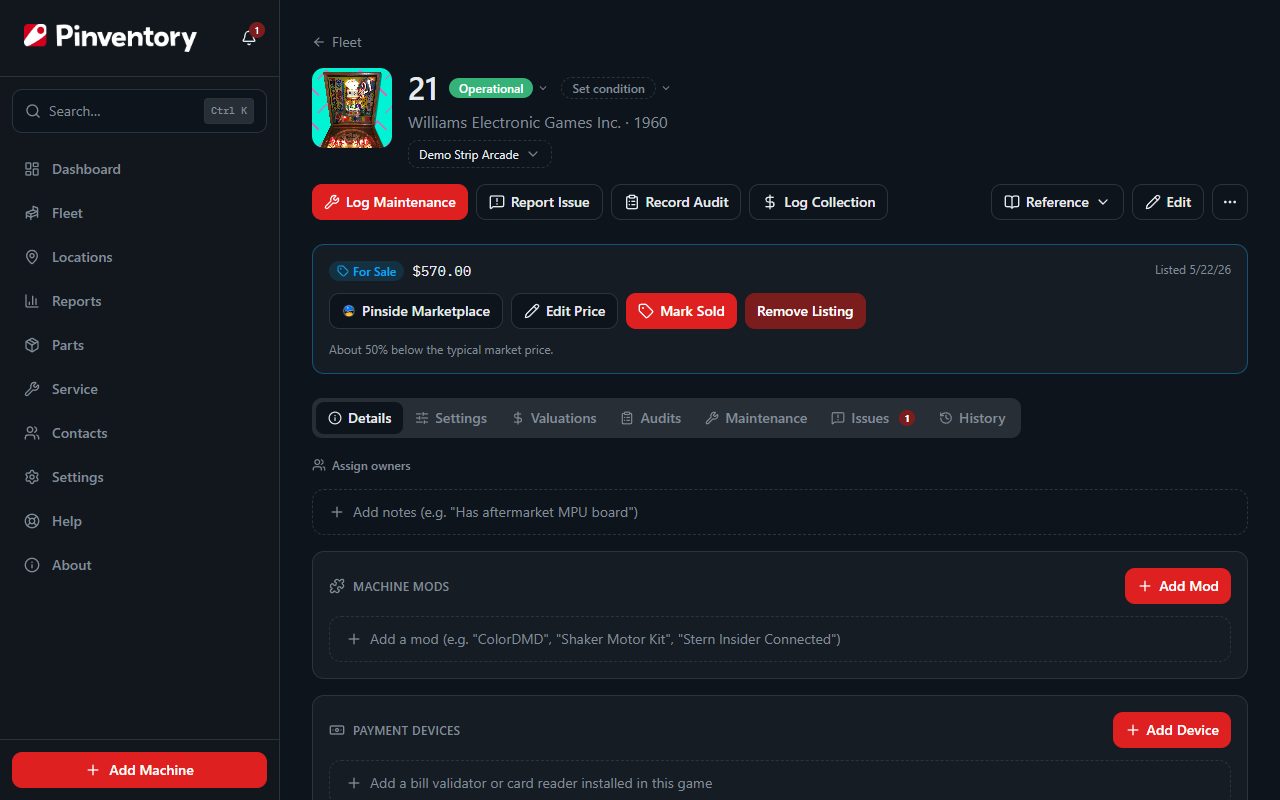
Choose Mark For Sale and enter your asking price. The machine stays in your fleet and keeps earning, collecting, and logging maintenance as normal.
A For Sale card now appears on the machine page. From there you can edit the asking price, open the Pinside Marketplace to advertise it, or remove the listing if you change your mind.
Listing a game changes nothing on the shop floor. Players can still play it and you still collect from it until you mark it sold.
Record the sale
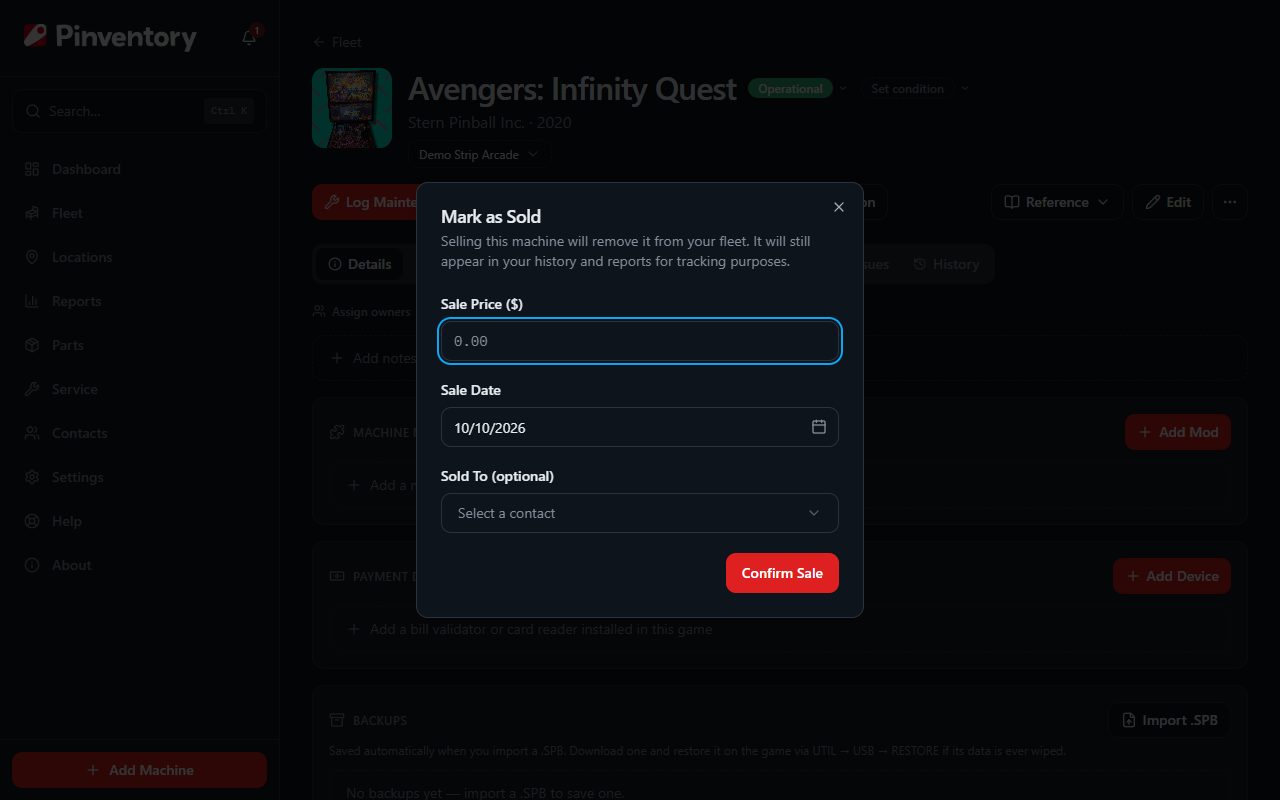
When the deal closes, use Mark Sold. Enter what it actually sold for, the date, and the buyer.
The buyer comes from your contacts, so the sale is tied to a real person you can look up later. You can create the contact without leaving the dialog.
Trade a game for other games
Choose Trade when games go both ways. Add every game you are giving up, then add each game you are taking in and say what you both agreed it was worth. Set the cash on top, in whichever direction it moved.
Pinventory works out what your games fetched: the value of what you received, plus cash you took, minus cash you paid. Split that across the games you gave up. Use Balance for me to spread it, then adjust it, because a bundle rarely goes for the sum of each game on its own.
The games you take in join your fleet at the value you agreed, which becomes their cost basis. The games you give up leave it.
Record a trade as a trade, not as a purchase plus a separate sale. Start from the game you are trading away: open it and choose Sell / Trade, then add the games you are taking in on the trade page.
You can only trade away a game that is in your fleet. If you are catching up on an old deal, add the game you bought first, then record the trade.
What happens after the sale
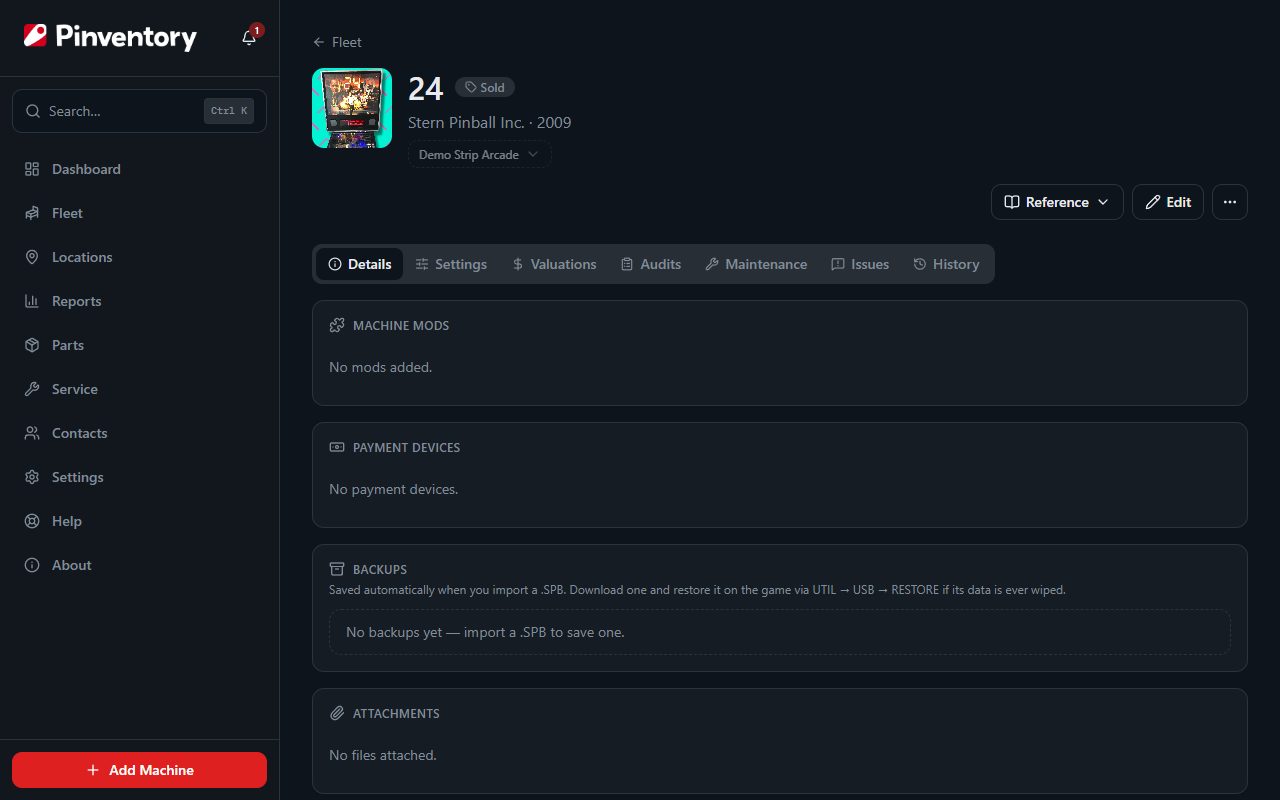
The machine leaves your active fleet and its page becomes read-only. Nothing is deleted. Every maintenance log, collection, audit reading, and part you fitted stays attached to it.
Your reports still count the sale, so the money you put in and the money you got out stay in the same picture. Find sold games through Fleet history or the global search.
Good to know
- Selling is not deleting. If you want a machine gone from your records completely, that is a separate and permanent action on the machine page.
- Record the real sale price rather than the asking price. Your value and profit reports read the sale price.
- A trade counts only the cash that changed hands on Inflows & Outflows, because the games are value rather than money. Profit & Loss and Fleet Value still count the full worth on both sides.