


Record maintenance
Log what you did, what it cost, and what needs doing again.
Log the work
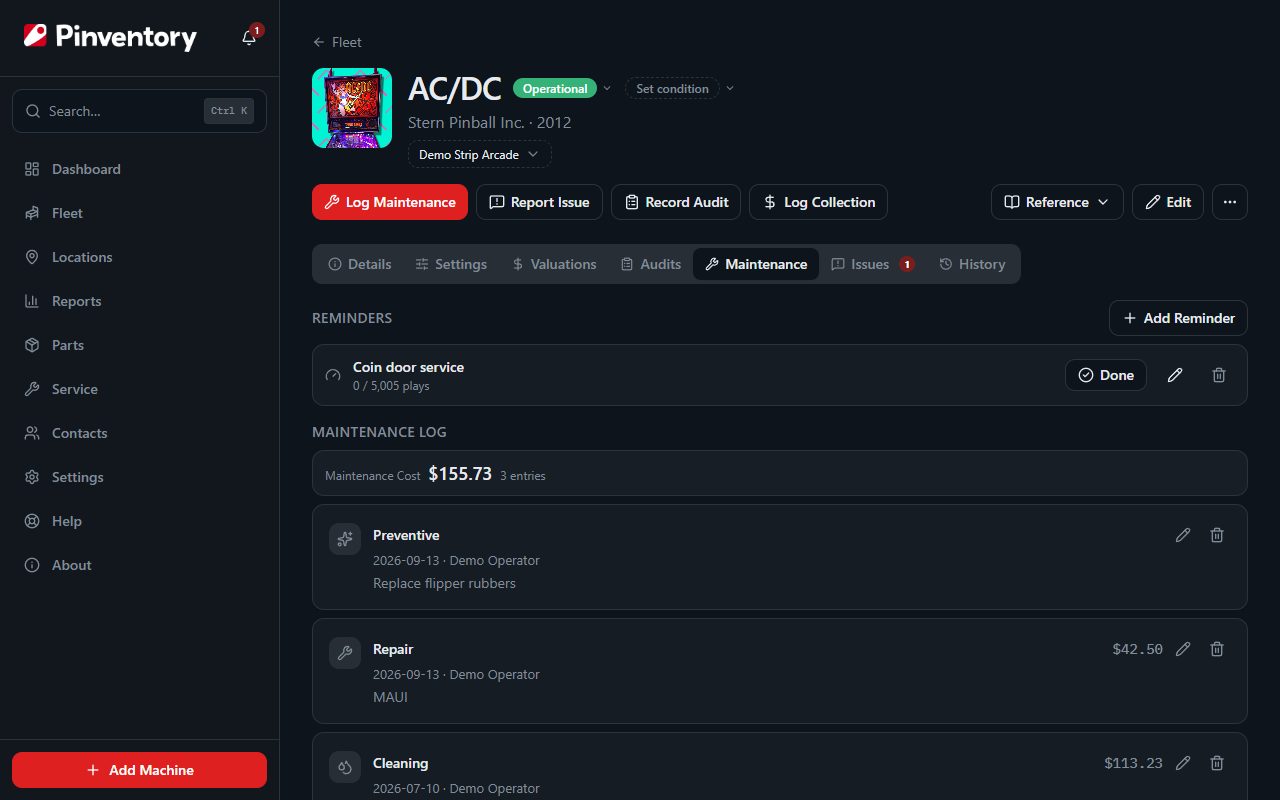
Open the machine and press Log Maintenance in the row of buttons under its name. Set the type, the date, and what you did.
Record who did the work. On a team this is how you see whose jobs came back and whose held.
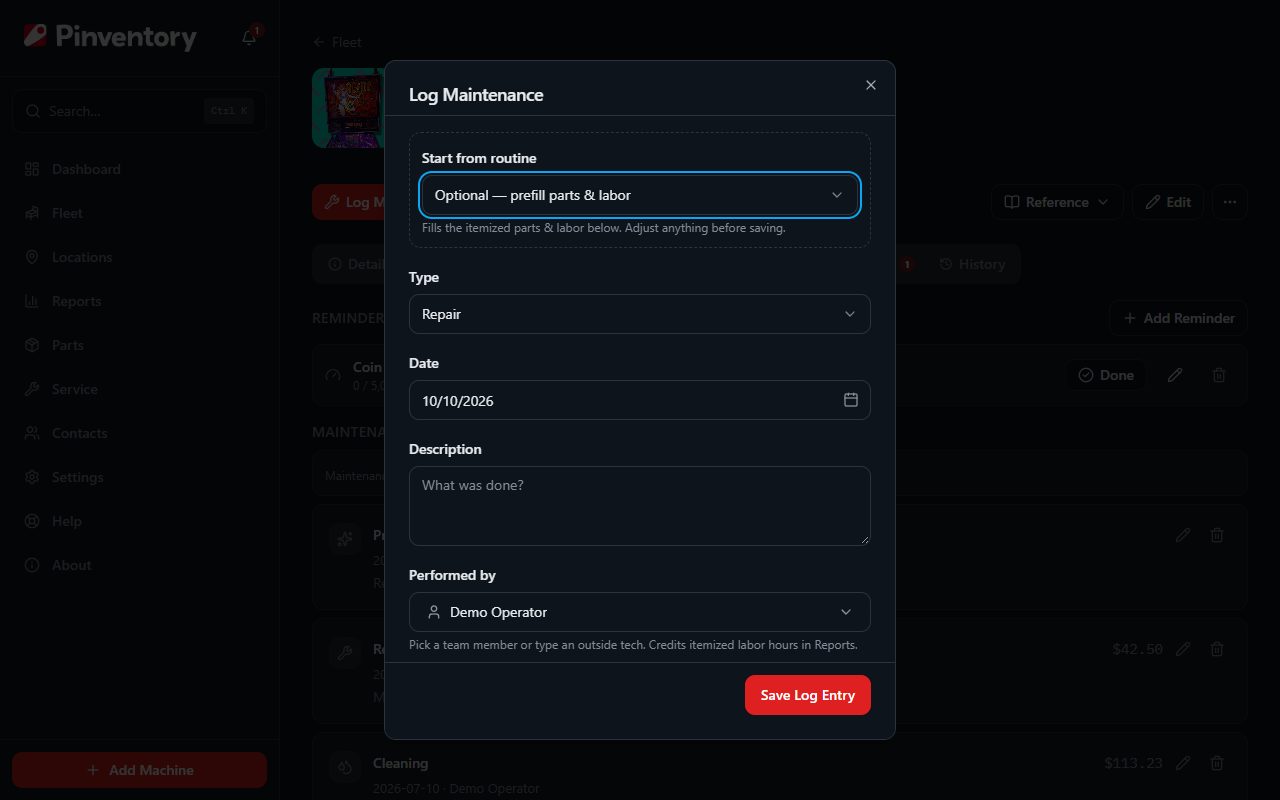
Start from a routine
For work you do the same way every time, such as a shop job or a flipper rebuild, build it once as a routine and start from it. The routine fills in the task list so nothing is missed at the machine.
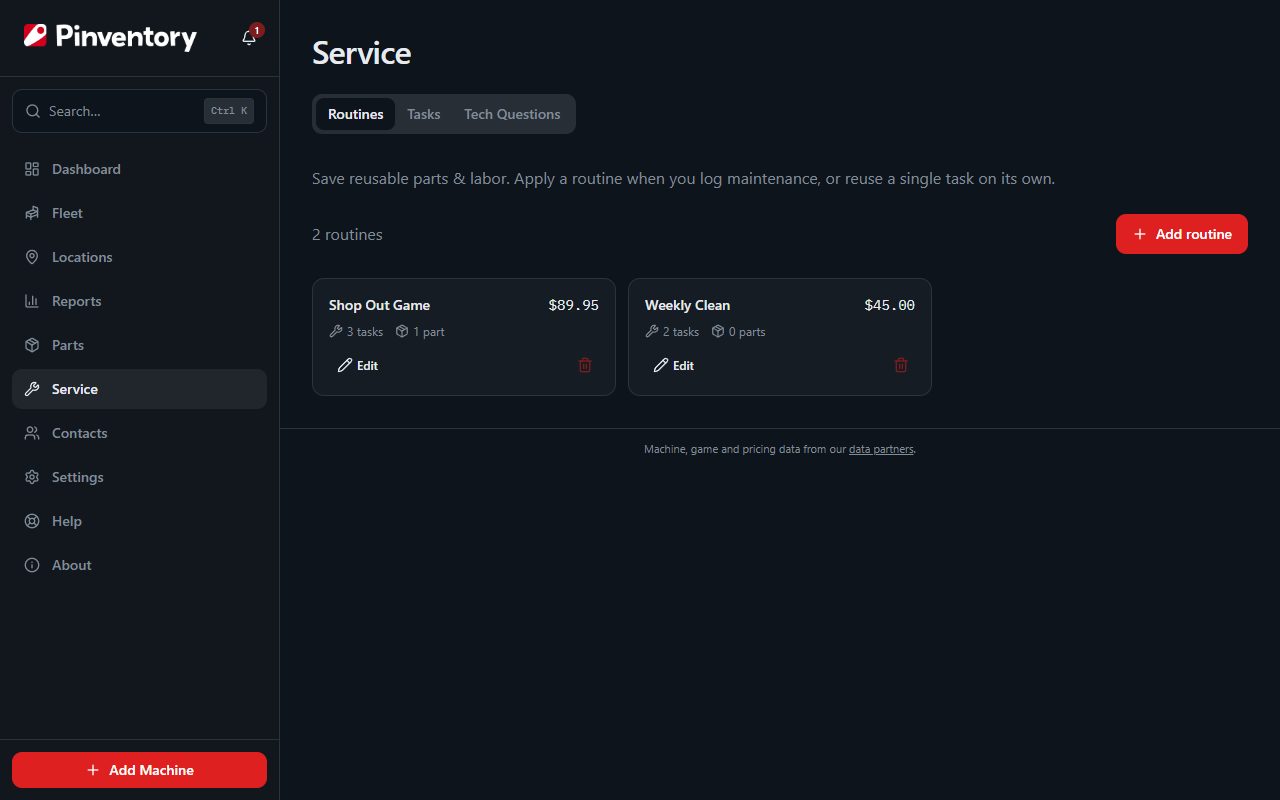
Routines live under Service in the sidebar, along with the individual tasks they are built from.
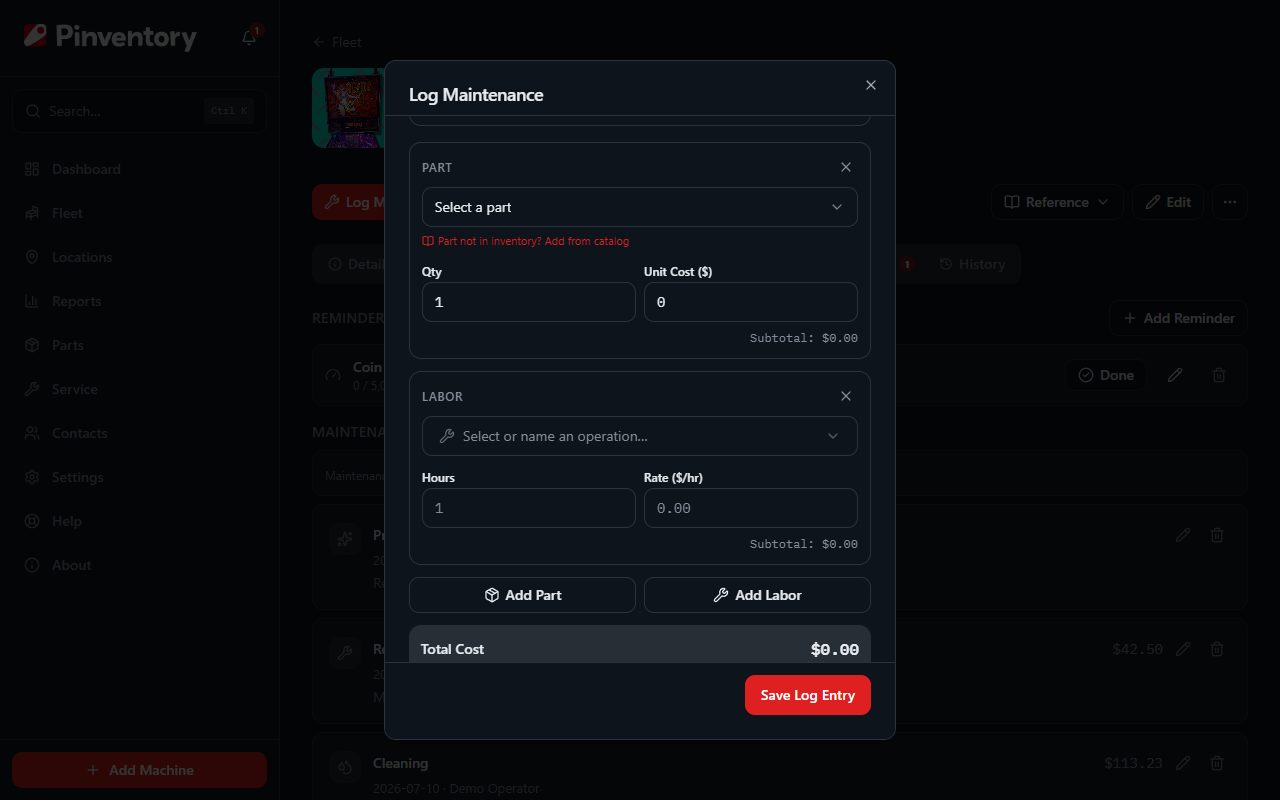
Itemize parts and labor
Turn on Itemize Parts & Labor, then add the parts you fitted and the hours you spent. Parts come from your own inventory, so logging them here takes them out of stock in the same action.
The line items roll up into the cost of the job, and the job rolls up into the running cost of the machine. That is what turns a repair log into a number you can act on.
You can attach a photo, which is worth doing for anything you might need to prove or remember.
Set a reminder for work that repeats
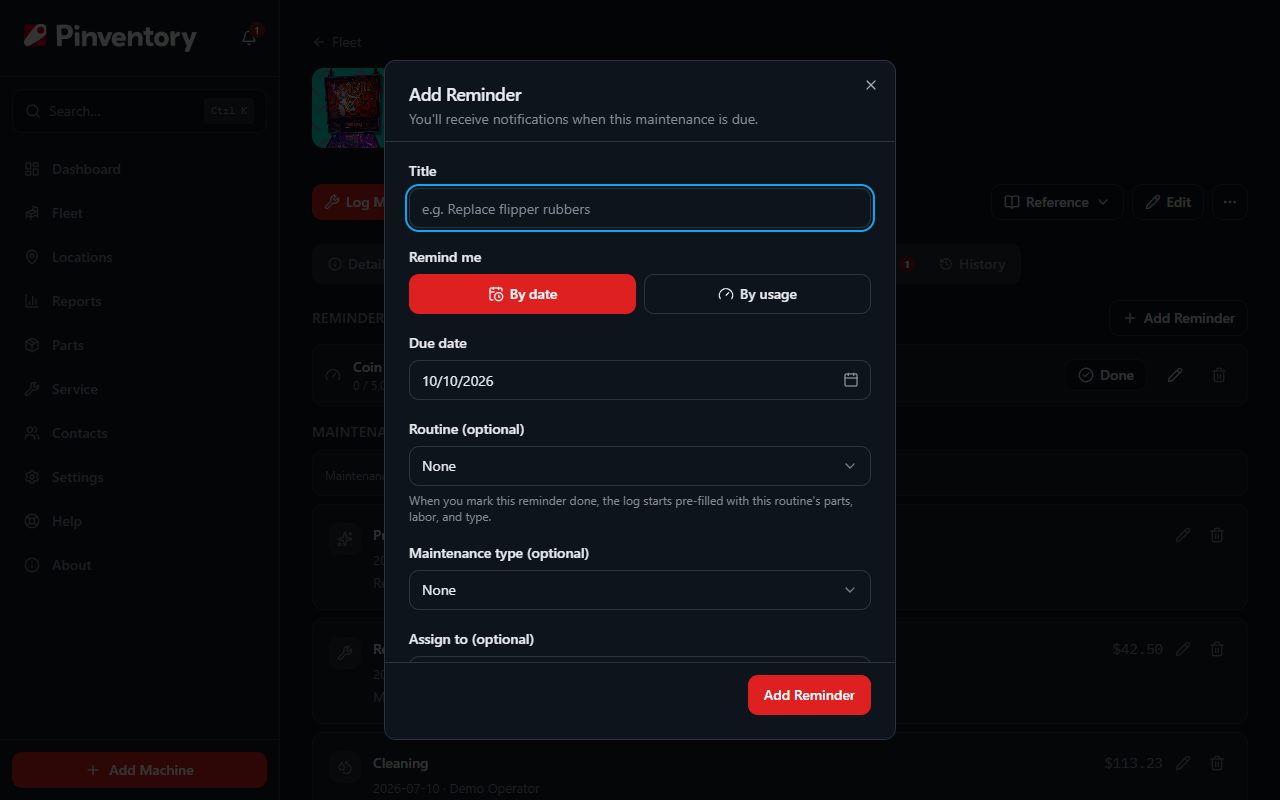
Use Add Reminder on the same tab. A reminder can be due on a date, or after a number of plays.
A usage reminder is the more useful of the two on a busy route. Set it to fire after a number of plays on a metric you already record, and the game tells you when it needs attention instead of the calendar guessing.
Turn on Repeats for anything cyclical, and assign it to a person if someone specific should pick it up.
A usage reminder needs a metric with at least one audit reading behind it. Record an audit first, then set the reminder.
Close it out
When a reminder comes due it shows on your dashboard and can reach you by email or push. Press Done and Pinventory opens the maintenance log already filled in from the reminder.
Save it and two things happen at once. The work is logged against the machine, and a repeating reminder re-arms from the date you actually did it rather than the date it was due.
Good to know
- Games built before 2006 get a battery warning until you tick Has NVRAM. Leaking batteries are the most expensive cheap problem in pinball.
- Resolving a player-reported issue offers to log the maintenance at the same time, so the report and the fix stay tied together.
- Set a reminder against many machines at once with apply-to-many, rather than repeating yourself down the fleet.