


Sync with Pinball Map
Publish your venues and game lists to pinballmap.com from your own account.
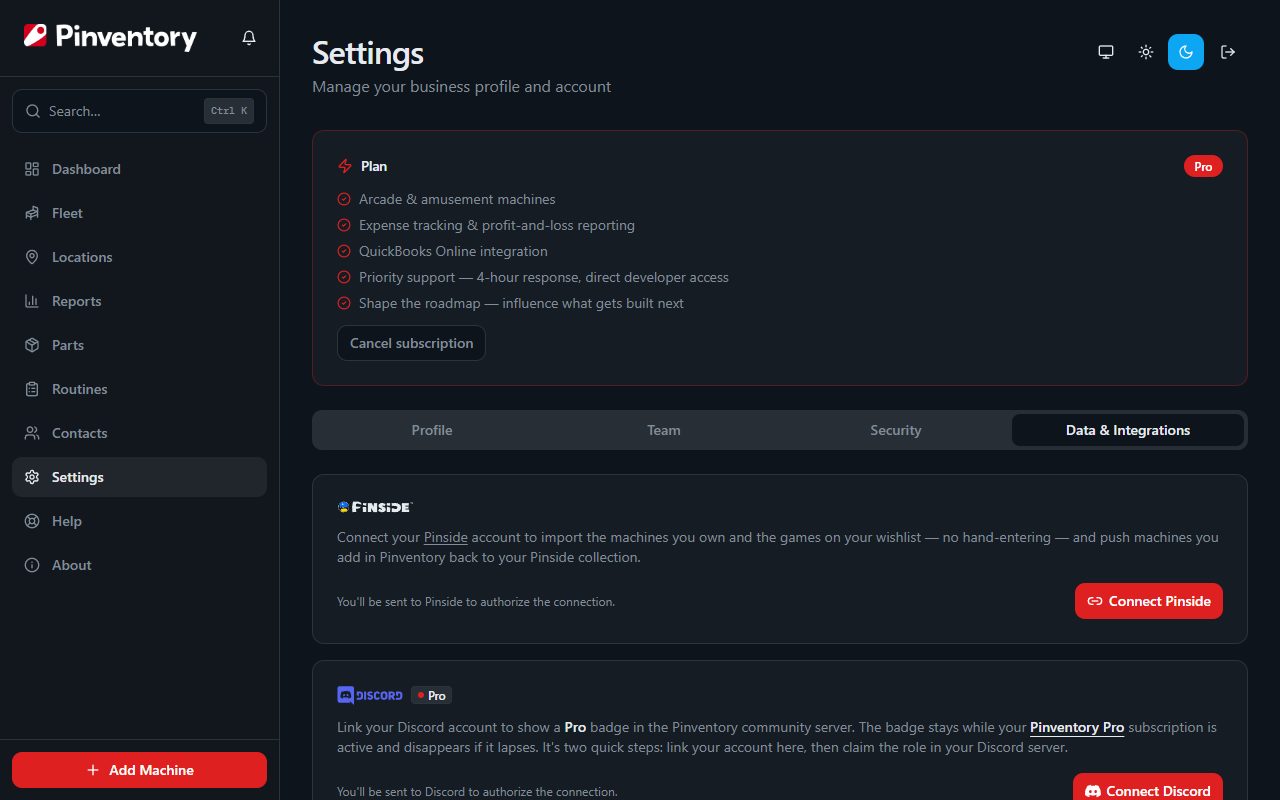
Connect your Pinball Map account
Open Settings, go to the Data & Integrations tab, and sign in with your own pinballmap.com account. Pinventory keeps an access token and never your password.
Every change is made as you, not as Pinventory. That is how the Pinball Map maintainers ask operators to contribute, and it means your edits carry your name.
Link a location to its venue
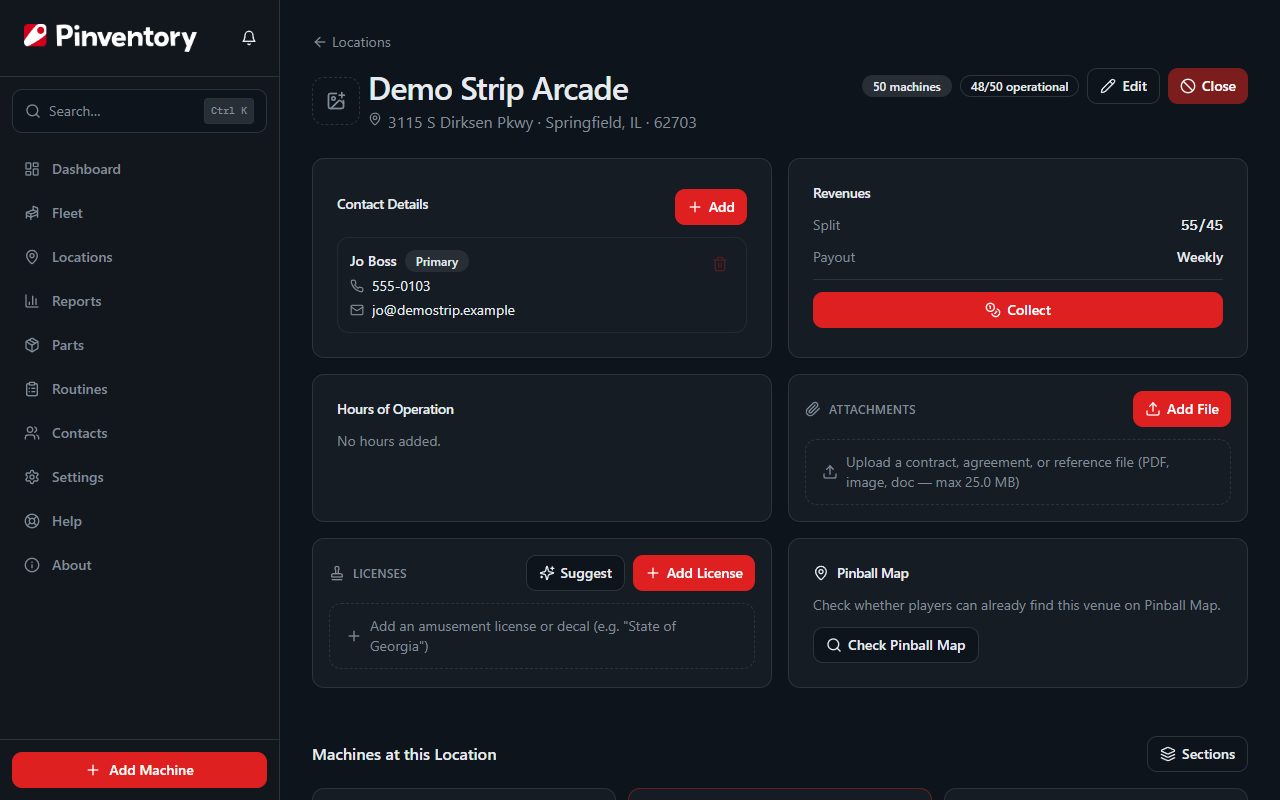
Open a location and use its Pinball Map card to search for the matching venue. Pinventory looks for venues near the address you already entered, so the match is usually the first result.
If the venue is not on the map yet, you can suggest it. A Pinball Map volunteer reviews new venues before they appear, so it will not show up straight away. Come back and check whether it is listed.
List your games
Add a game to a linked location and Pinventory offers to list it on Pinball Map right then. For a game already in your fleet, open it, open the three-dot menu under its name, and choose Sync to Pinball Map.
For a game Pinball Map lists as Insider Connected capable, tick Mark as Insider Connected and the listing carries that flag, so you do not have to set it on pinballmap.com afterward.
Move a game between two linked venues and Pinventory handles both sides, adding it to the new venue and removing it from the old one.
When a game leaves for good, Pinventory offers to take its listing down. Unassign it, or move it to a venue that is not linked, and you are asked to remove it; marking it sold or deleting it offers the same, so the map never advertises a game that is no longer there.
If you run two of the same game at one venue, the listing stays up until the last one leaves. Pinball Map lists a title once per venue, not once per machine.
Keep a workshop or storage area off the map by making it a private section. Open the location, choose Sections, and turn on Private. Pinventory then opens Check listings so you can take those games down, and it never lists a game while it sits in that section. A game in a private section does not keep a listing up, so moving your last public copy of a game to the workshop takes that title off the map.
Catch listings that fell out of date
If you skipped one of those offers, or the map just looks wrong, open Settings, go to the Data & Integrations tab, and choose Check listings on the Pinball Map card. Pinventory compares every linked location with what Pinball Map lists there and shows you the games to add and the games to take down.
Untick anything you want to leave as it is, then apply the rest. A location's own Pinball Map card has the same Check listings button for just that location.
Pinventory only offers to take down a game that one of your own machines left behind. At a location other operators share, it never touches the games they listed.
Know what it does and does not do
The sync runs one way. Pinventory pushes to Pinball Map and never reads your fleet back from it, so the public map can never overwrite your own records.
Opening hours cannot be synced. Pinball Map does not hold hours as data, so there is nothing to send them to.
Publishing the venue phone number and marking a venue as free play are both choices you make each time, and both are off by default.
Everything you push is a public edit to a community map, credited to your account. Treat it the way you would treat editing the venue's own listing, because that is what it is.
Good to know
- Connecting, linking, and publishing are owner and manager actions.
- A venue needs at least one machine before you can suggest it, since an empty venue is not useful on the map.
- Closing a location in Pinventory unlists its machines from the venue, so the map does not keep advertising games that have gone.